A wardrobe that feels like yours
Photograph your pieces, organise them your way and find them again whenever you compose a look.
Bring your wardrobe to life
Bring your pieces together, explore your stores and compose looks to try on your photo — all in one personal studio.
Available on the App Store and Google Play
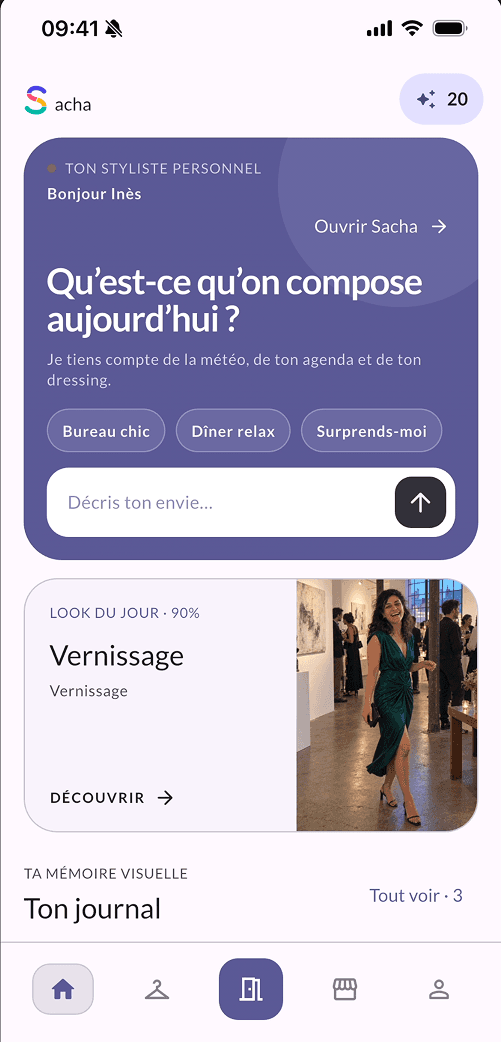
One place
Sacha connects your real wardrobe with pieces you find online, so you can think about a complete outfit instead of an isolated purchase.
Photograph your pieces, organise them your way and find them again whenever you compose a look.
Browse a store or open a product link directly, then send your find to the fitting room.
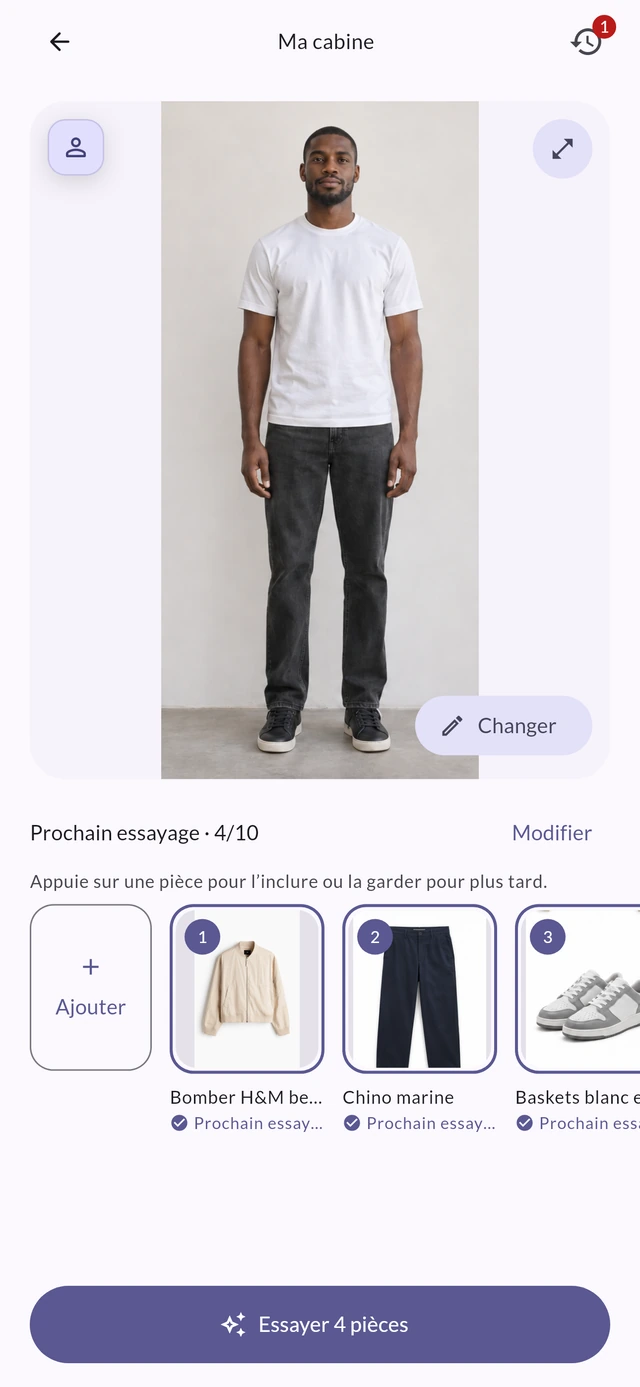
Combine up to ten pieces and visualise the result on your photo without stopping what you are doing in the app.
From find to look
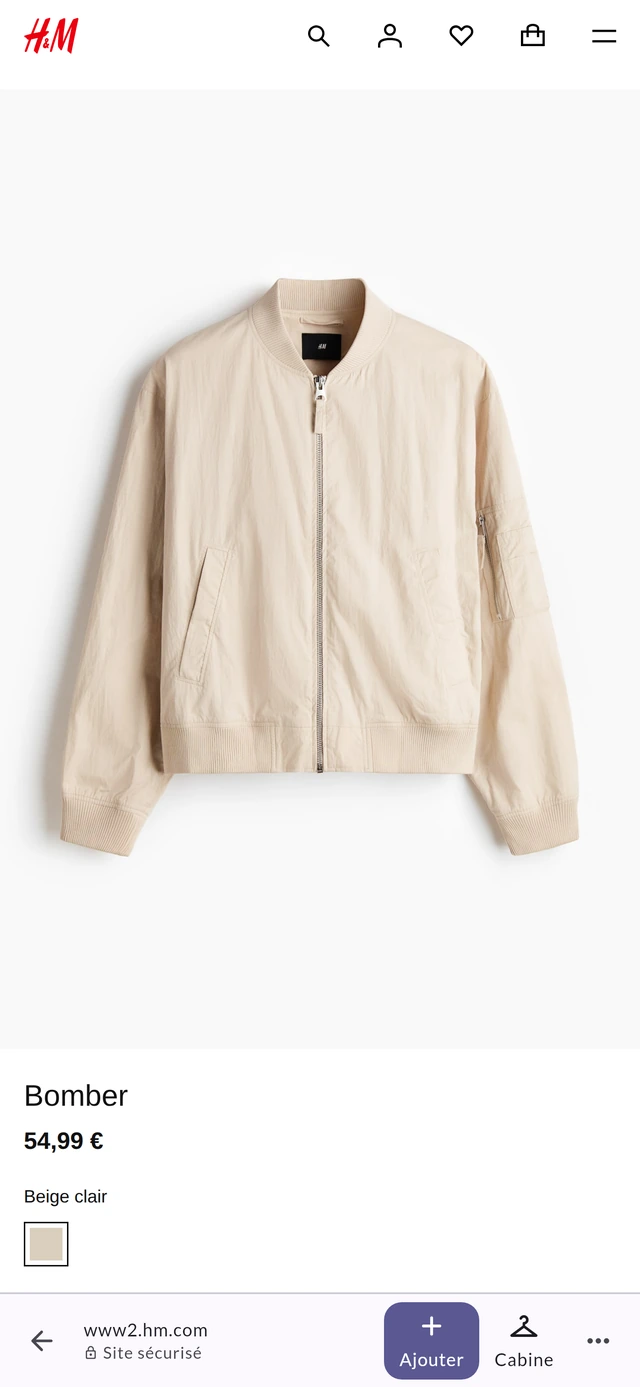
A bomber jacket in a store, pieces from your wardrobe, then a simulation on your photo.
From the store, add the piece to your fitting room.
Combine it with your trousers, shoes and accessories.
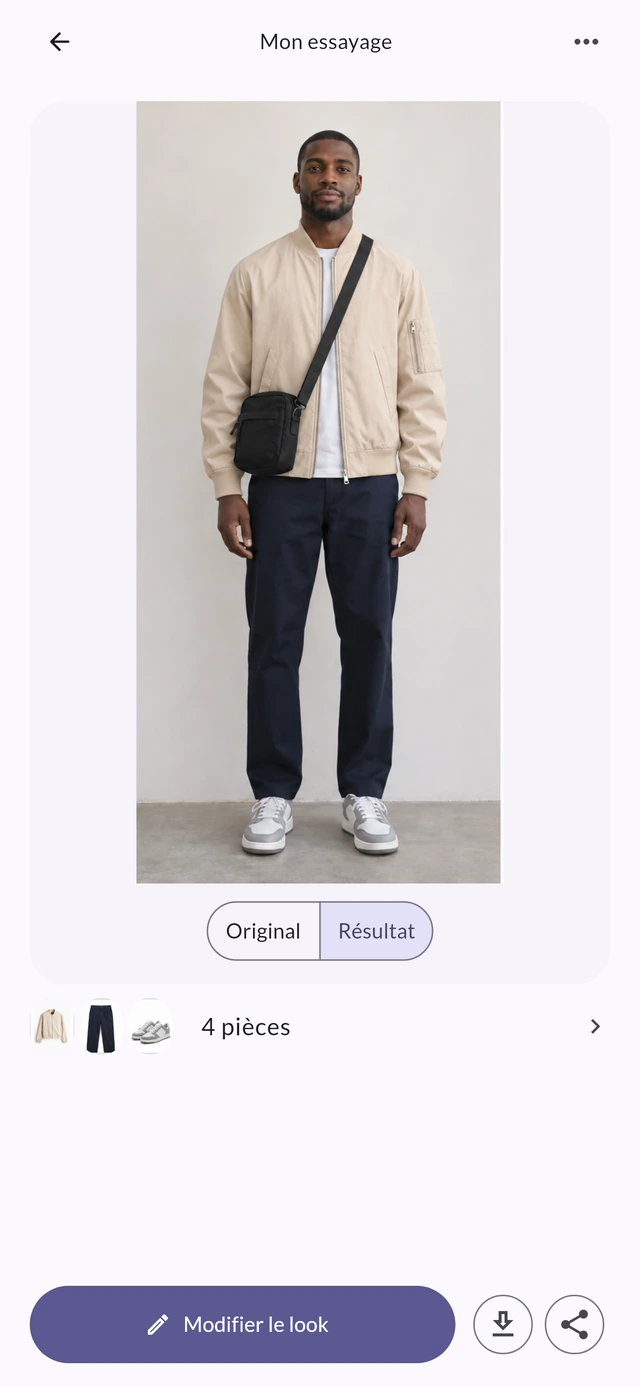
Start a virtual try-on and see the combination on your photo.
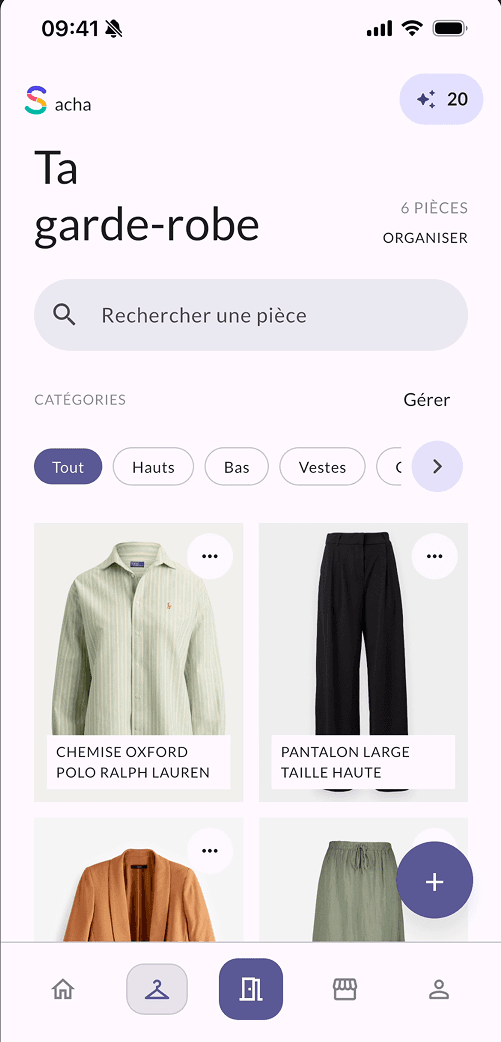
Your wardrobe
Add a photo, a name and a category. Sacha keeps every piece ready for future compositions and helps you organise them around your own logic.
The Sacha fitting room
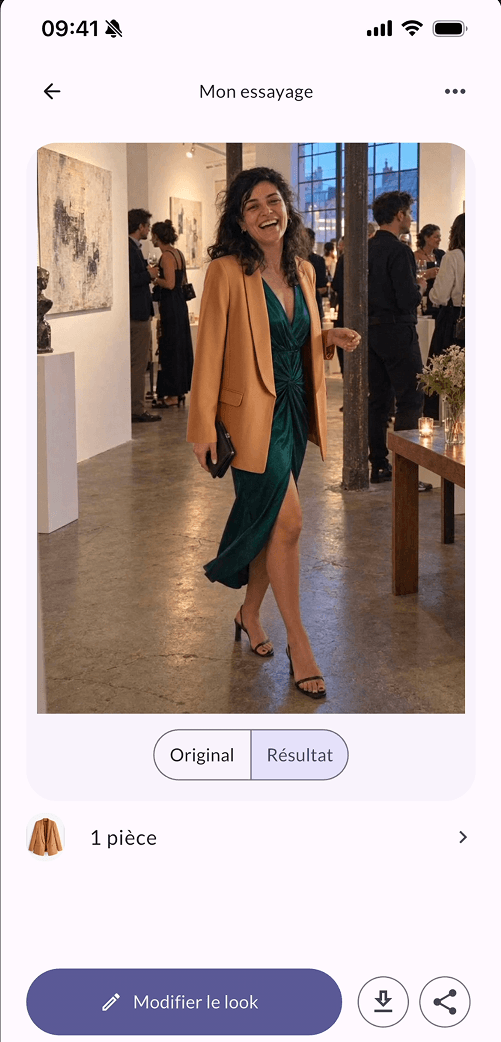
Arrange clothes in the order you want, choose your photo and keep every result in your history. You can resume, edit, share or download a try-on.
The try-on is a visual simulation. It does not verify sizing, measurements or the real-world comfort of a garment.
 Your stylistExample
Dinner tomorrow. Something chic, without feeling overdressed.
Electric blue, a fluid silhouette and a touch of silver. An idea for your dinner:
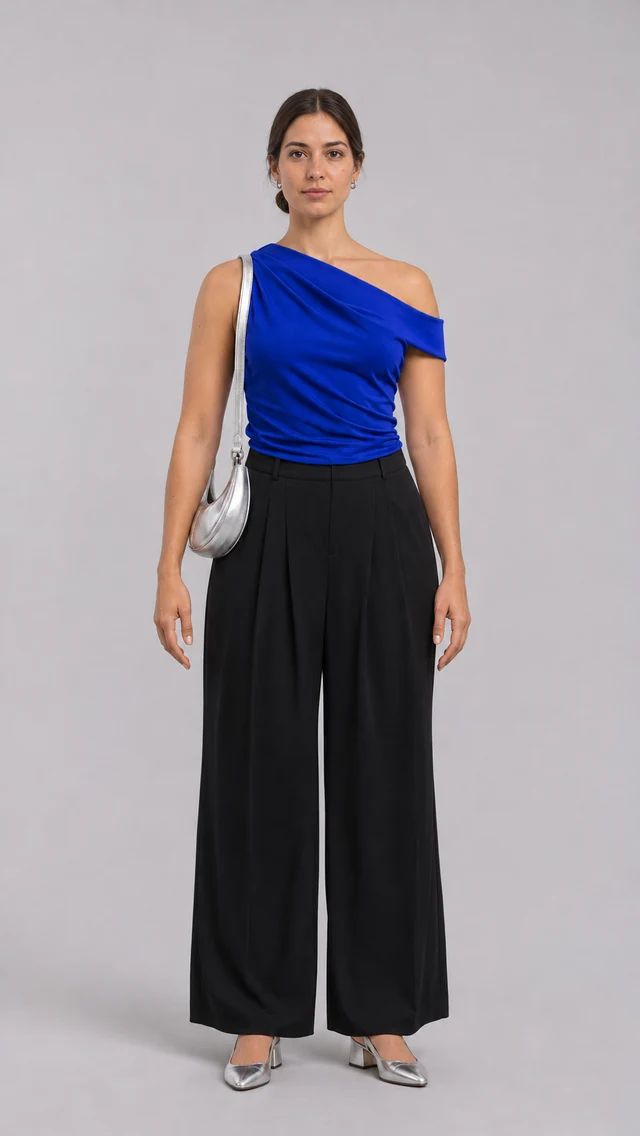 Suggestion on a model
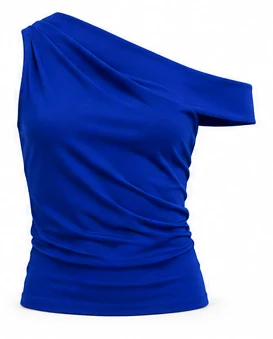
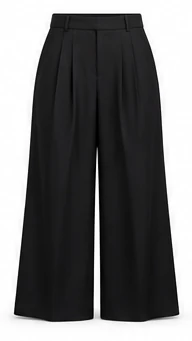
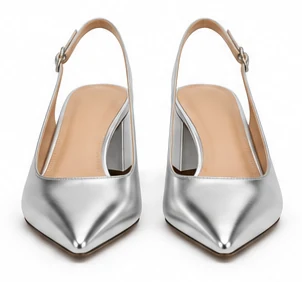
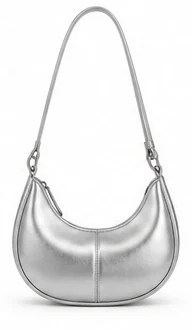
An idea to make your own
Change the occasion. Explore another idea.
Your personal stylist
Describe what you have in mind. Sacha brings together your wardrobe, new store finds, or a little of both.
Follow the steps in Sacha, through to a virtual try-on.
Inside the app
Explore inspiration, your wardrobe, stores, the fitting room and several try-ons in the app’s real interface.
Describe the occasion and Sacha helps you put it together.
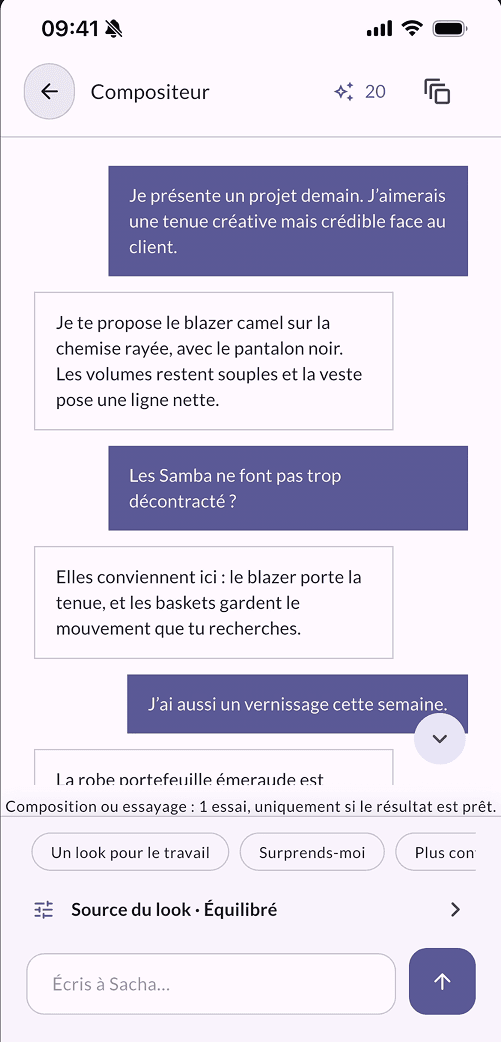
Turn what you want into outfit ideas.
Search, categories and organization in one place.
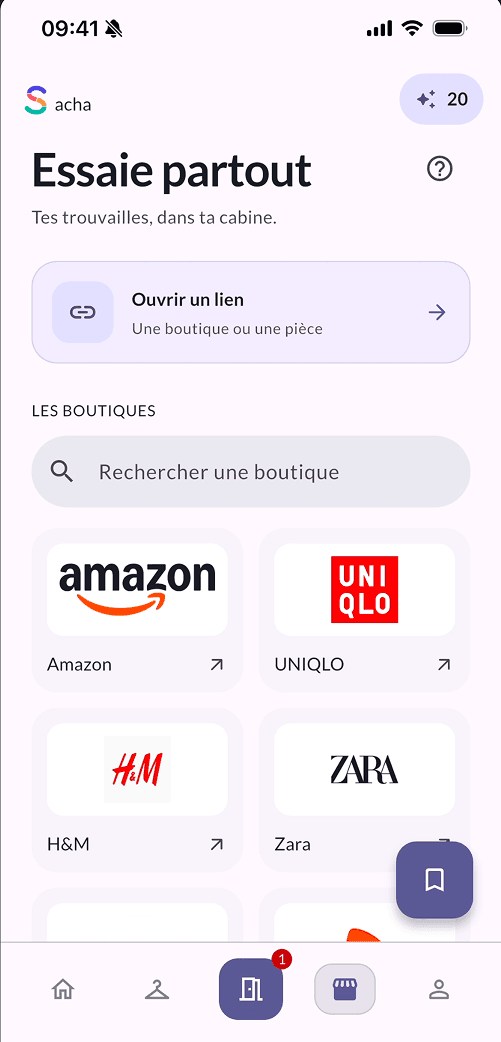
Find your favorite brands in one place.
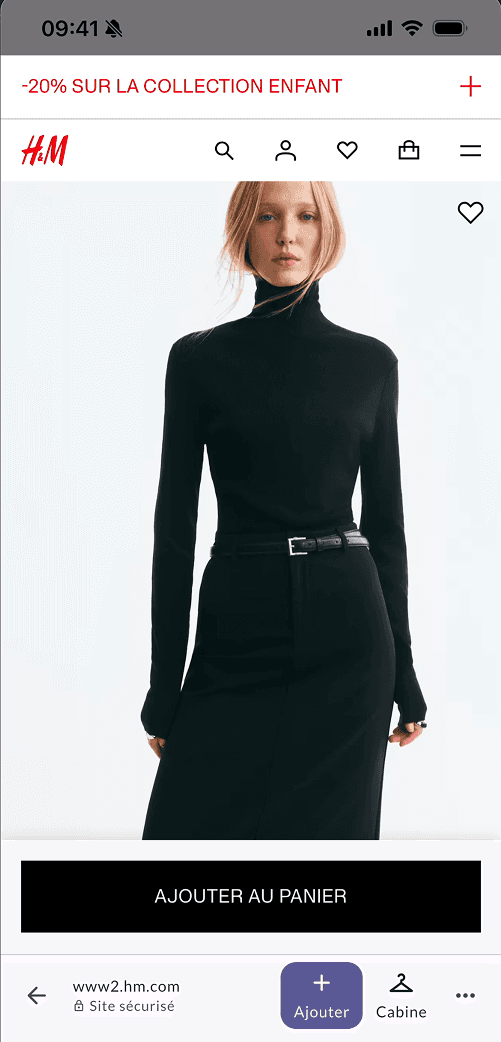
Browse a compatible store from Sacha.
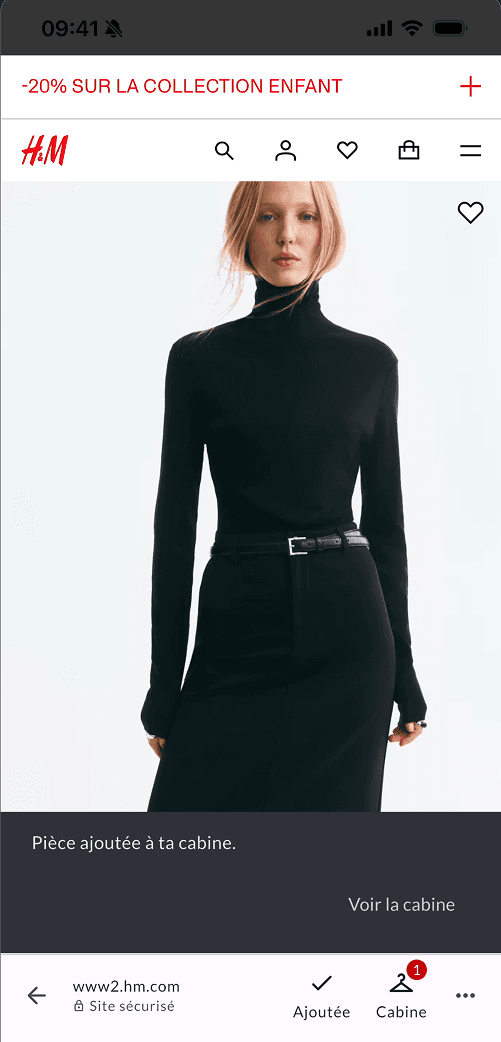
Send a piece you find directly to your fitting room.
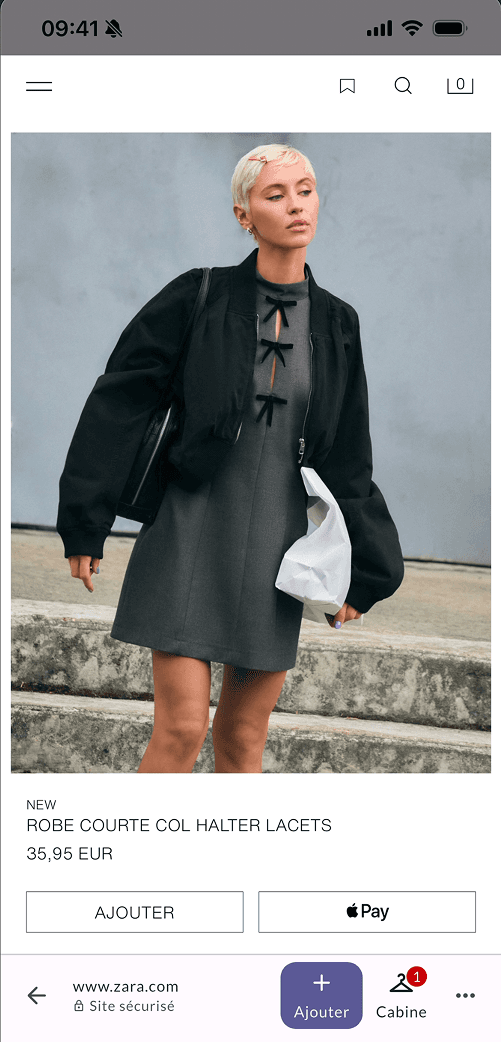
Open a product page without leaving your flow.
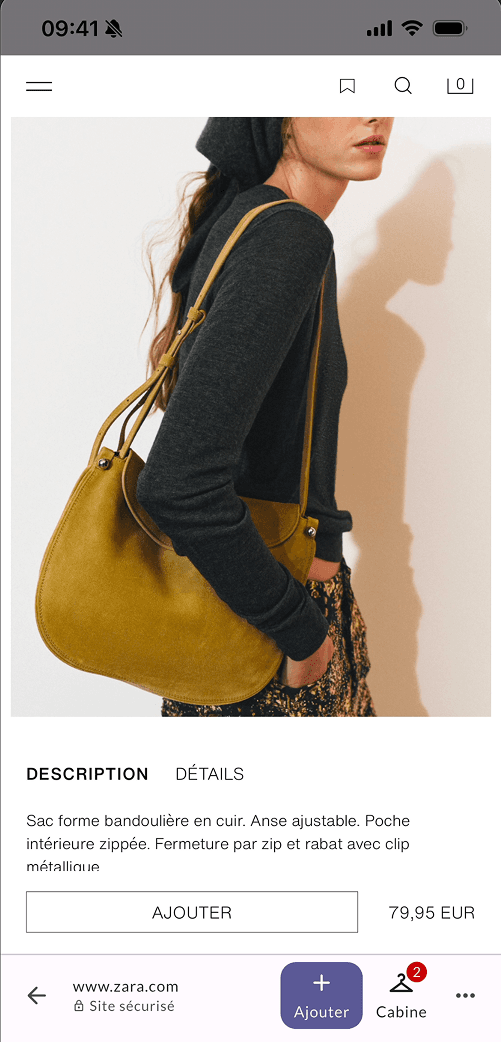
Add the accessories that transform the silhouette.
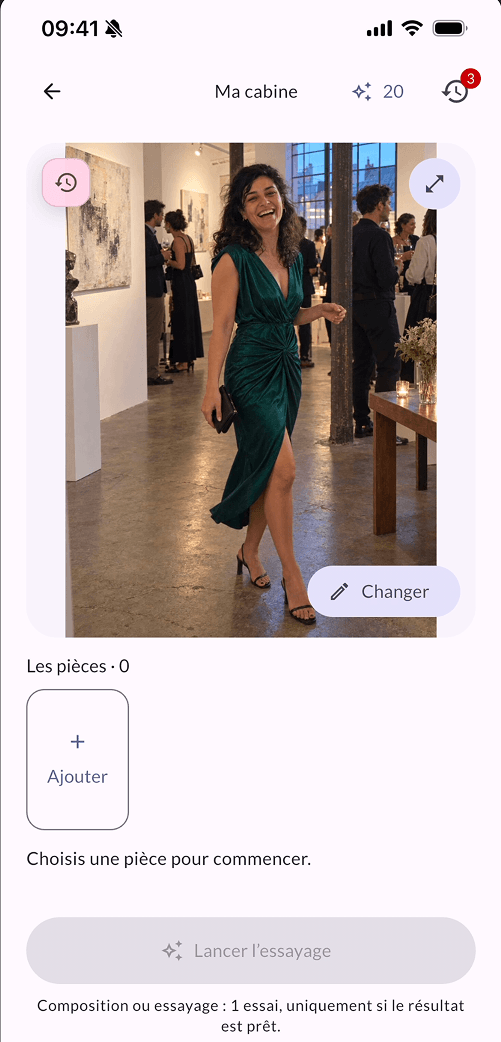
Prepare your fitting room before choosing pieces.
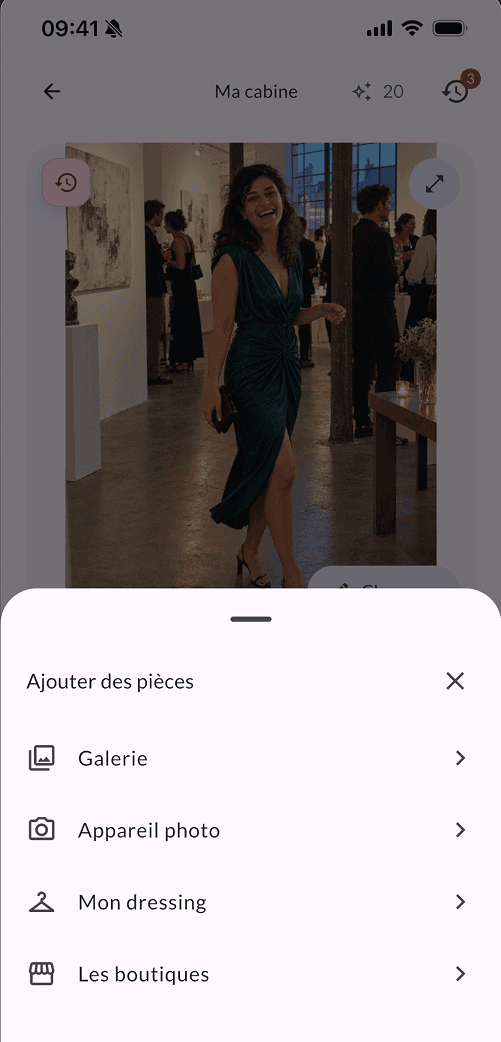
Gallery, camera, wardrobe or stores: everything is connected.
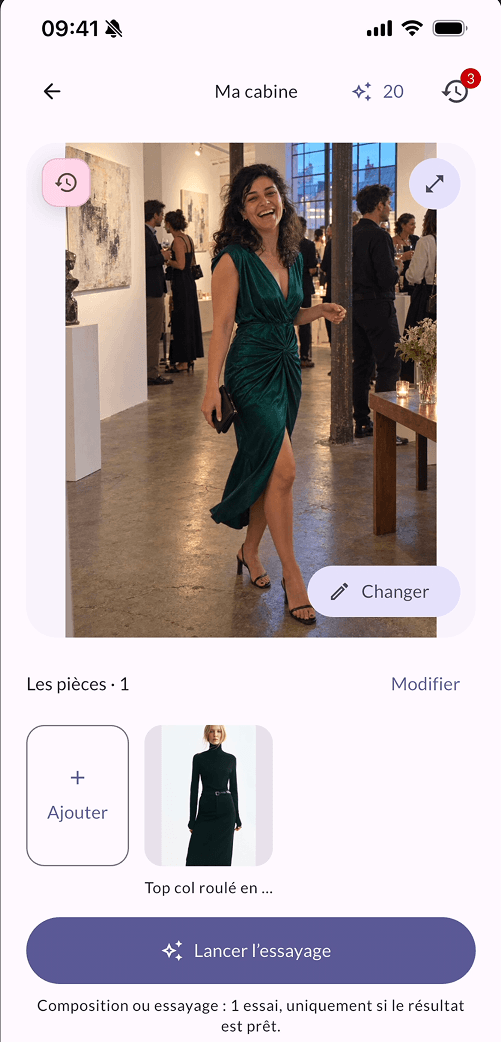
Bring together the pieces you want to see on your photo.
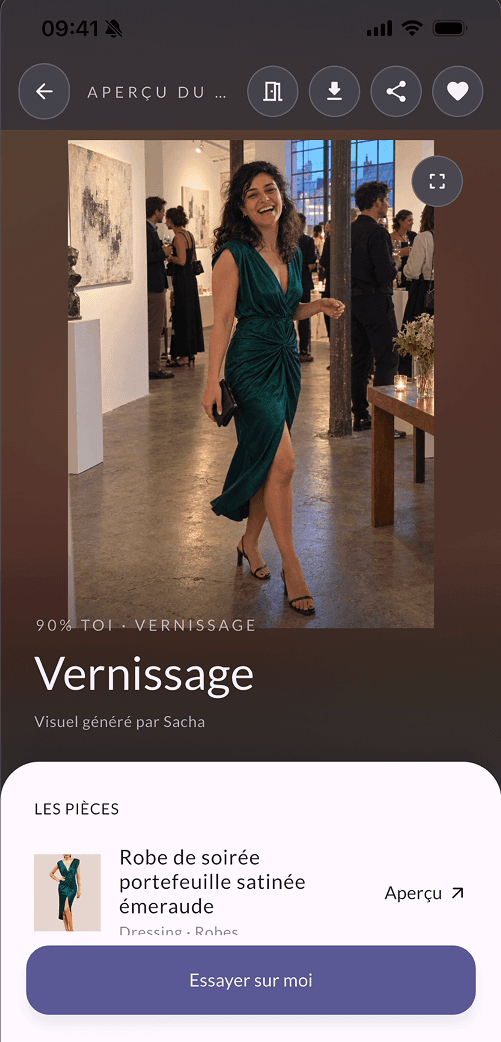
See the visual, its pieces and a direct path to try it on.
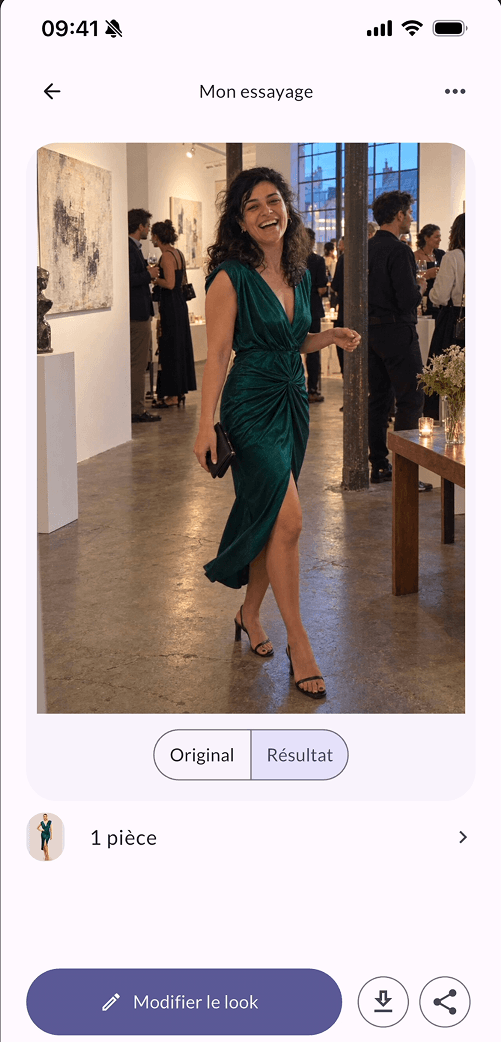
An AI simulation to explore the complete outfit.
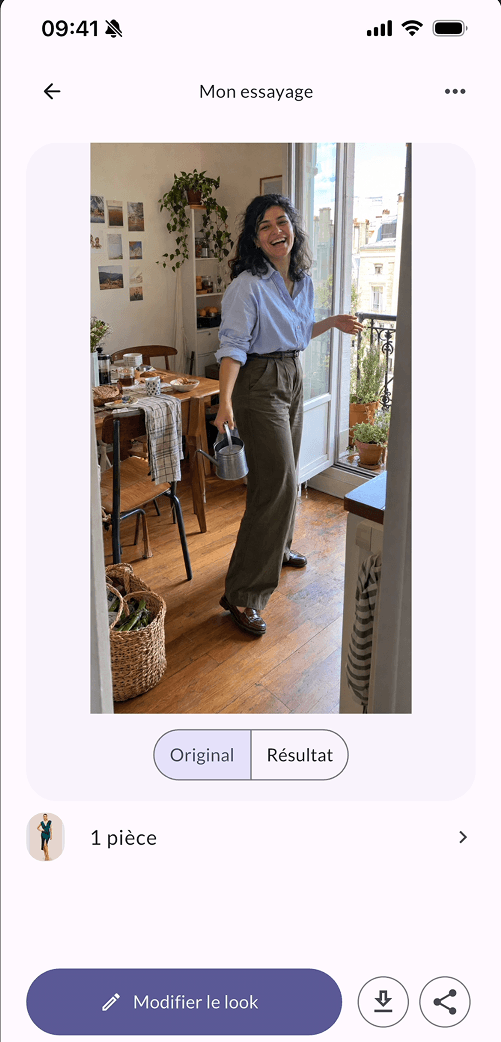
Switch between your photo and the generated result.
See how a jacket transforms the outfit.
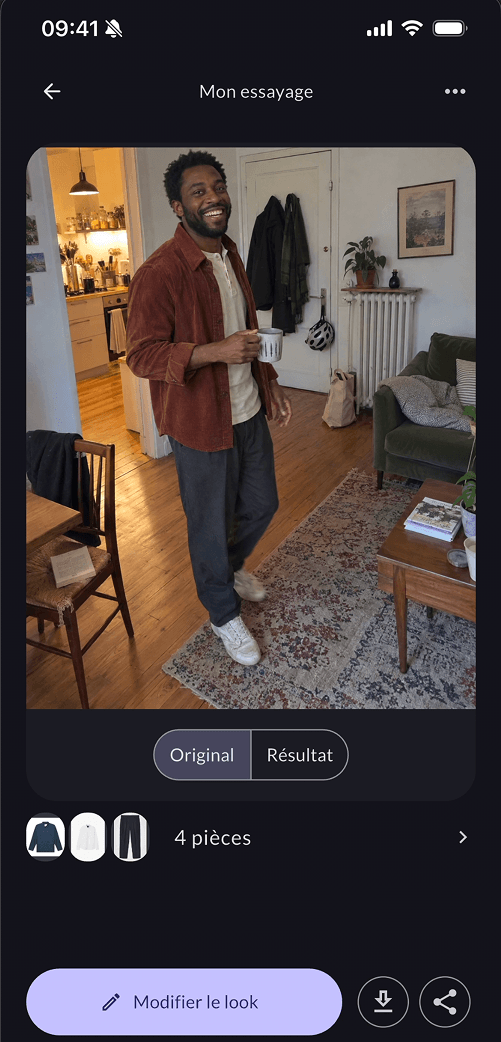
Combine several pieces with the same photo.
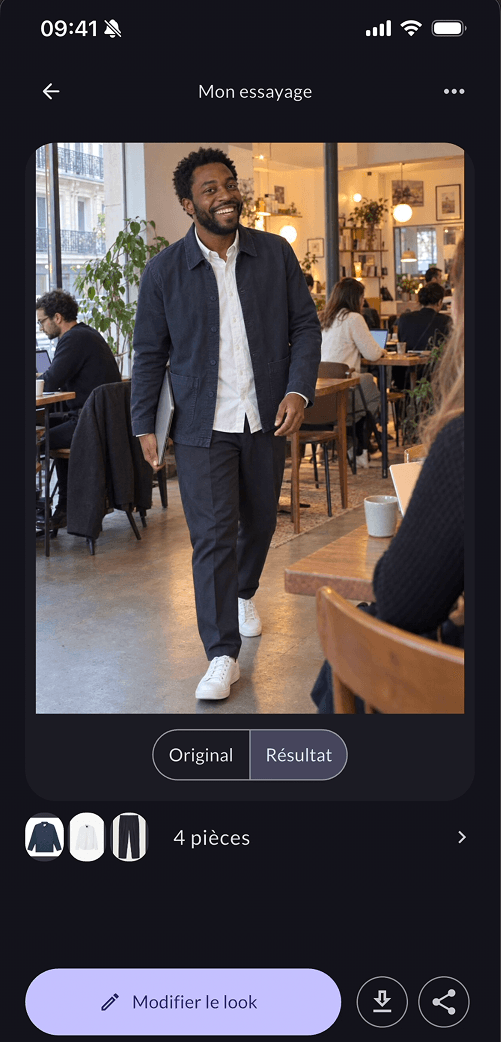
Compare the generated outfit with the original photo.
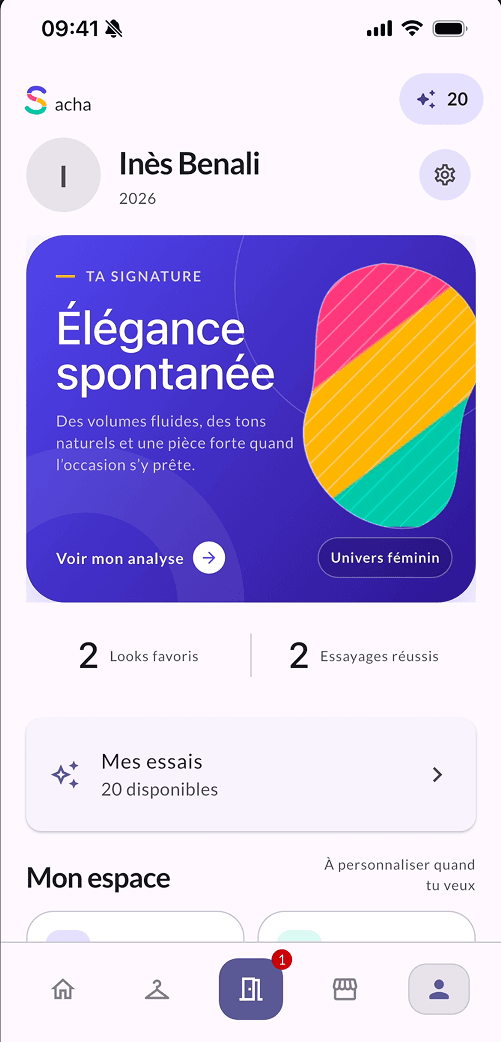
Find your looks, try-ons and settings.

Your wardrobe, try-ons and preferences can follow you.
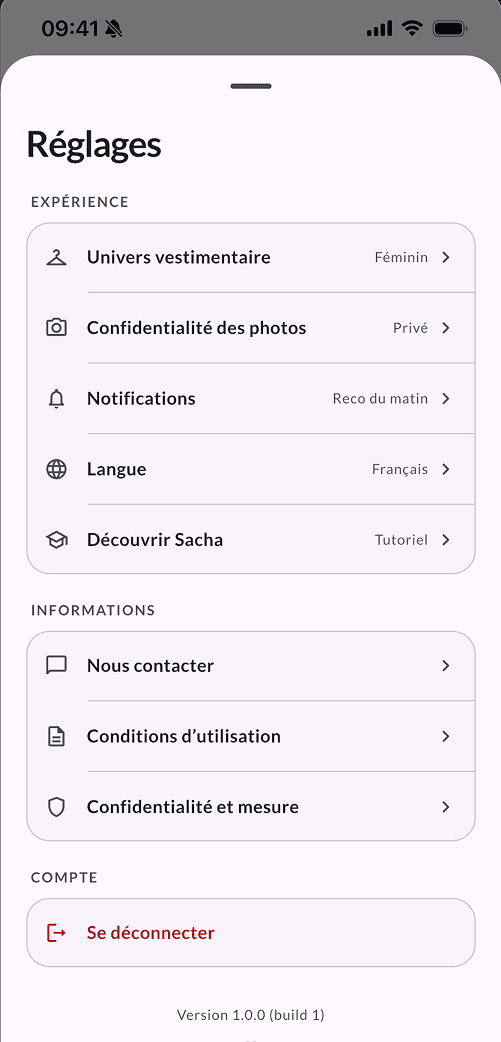
Privacy, language, notifications and help remain within reach.
Your choices first
Usage, performance and technical-error measurement requires your permission in the app. Your photo is used to produce the try-on you request.
Sacha is available
Download Sacha from the App Store or Google Play and start composing your looks.